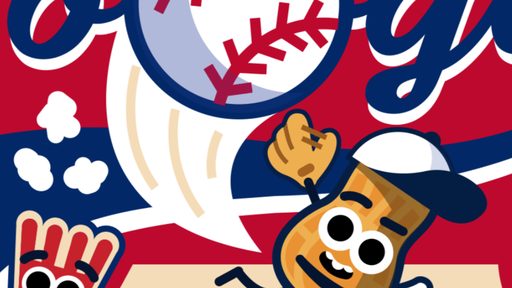
Google Baseball
About Google Baseball
No launcher, no install wizard, no account screen — Google Baseball just starts when you do. The controls are arcade-simple, but the timing windows give it a real skill curve.
Everything runs on keyboard and mouse; give it one round and the controls disappear into muscle memory. Playing on a phone works fine here; the game adapts to touch without complaint. Fullscreen mode is there when a browser tab starts feeling too small for the occasion.
How to Play Google Baseball
- Click the play button; the game loads right in the page.
- Use your keyboard and mouse to control the game; the opening moments introduce the basics.
- Learn from each attempt — early failures are the tutorial.
Controls: Keyboard / Mouse
Tips for Google Baseball
- In two-player mode, watch your opponent's habits — humans repeat themselves.
- Play defense with your position, not your buttons.
- Fullscreen mode helps more than you'd expect; fewer distractions, better reactions.
Google Baseball — FAQ
Is Google Baseball unblocked?
Google Baseball runs on our servers as a normal web page, so it works anywhere this site loads — no downloads or special permissions needed.
Can I play Google Baseball on my phone?
It does. Google Baseball works on mobile browsers, though a desktop with a keyboard can still feel more precise.
Does Google Baseball require an install?
Nothing to install. The game runs in the browser tab, so it works on school, office, or home computers without admin rights.
Game Info
- Category
- Sports
- Platform
- Browser
- Price
- Free
- Mobile
- Yes
- Fullscreen
- Supported
- Last checked
- July 2026
More Sports Games
3Dash Editor: cl3dash.html3D Pinball Space Cadet
⚽ Sports

Ages of Conflict
⚽ Sports

Baseball Bros
⚽ Sports

Basketball Legends 2020
⚽ Sports

Basketball Stars
⚽ Sports
Basketball Superstars
⚽ Sports
Beach Boxing Simulator
⚽ Sports
Big Shot Boxing
⚽ Sports
Bouncy Basketball
⚽ Sports
Boxing Random
⚽ Sports
Cartoon Network Table Tennis Ultimate Tournament
⚽ Sports

Football Bros
⚽ Sports